DJI Bait Release: Compatibility & Setup Guide
3 September 2026 · Drone Fisher
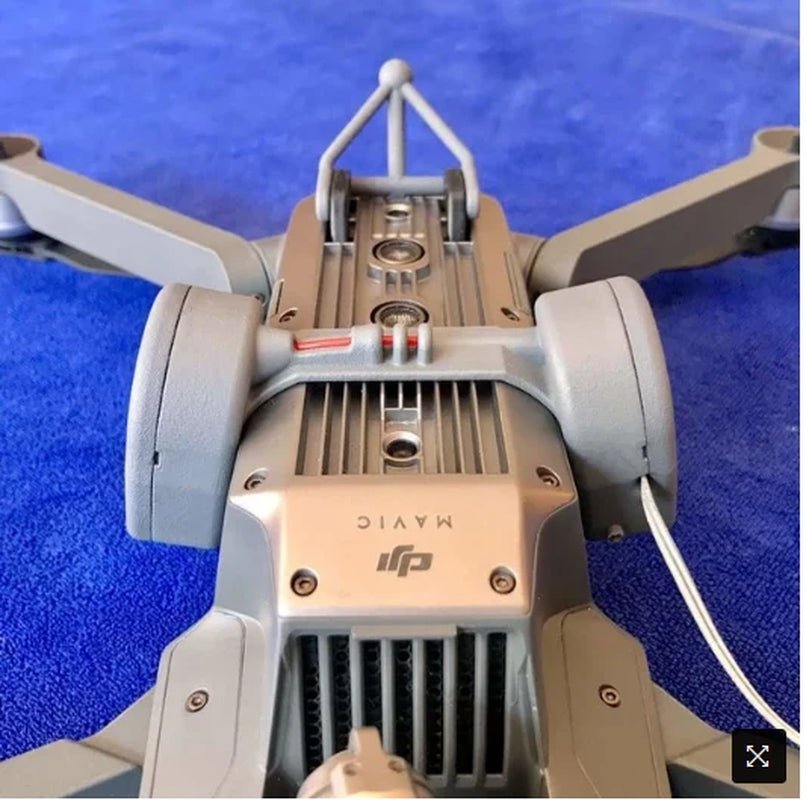
Before you buy a DJI bait release, check the exact model name on the aircraft or in the DJI app. Then match the Gannet part number, mount and trigger. Check what DJI documents for your aircraft before planning to carry a load.
DJI bait release compatibility by model
Gannet lists the matches below. Check that the part number on the seller’s listing or package matches, and use the instructions for that accessory and mount.
On a narrow screen, scroll the table sideways.
| DJI aircraft | Release and maker’s part number | Check before buying |
|---|---|---|
| Mavic Pro and Mavic Pro Platinum | Mavic Dual electronic · GANBAR-DUAL-MAVPLA | Confirm the mounting kit and the trigger instructions for the Dual release. |
| Mavic 2 Pro and Mavic 2 Zoom | Mavic 2 Dual electronic · GAN0010 | Confirm the controller and light-trigger setup in the accessory instructions. |
| Mavic Air 2 | Gannet Sport mechanical for Mavic Air 2 · GANBAR-DJIMAVIC201 | Match the Air 2 mounting hardware. Confirm Air 2S separately. |
| DJI Air 3 | Gannet Sport mechanical · GANBARU-MAV-AIR-3 Gannet XSport electro-mechanical · GAN761 | These are two different releases. Match the Air 3 mount and the instructions for your version. |
| DJI Mavic 3 and Mavic 3 Enterprise | Gannet XSport for Mavic 3 · GAN760 | Gannet names these models. Ask about your exact aircraft if it has a different Mavic 3 suffix. |
| Phantom 3 and Phantom 4 | Gannet X electronic · GRGX01 | Gannet lists both series. Confirm your exact Phantom variant, sensor hardware and controller instructions before ordering. |
For other aircraft, check the Gannet release catalogue or ask the manufacturer to confirm the exact model and adapter. An Air 3 listing gives no confirmation for Air 3S, and a Mavic accessory listing gives no confirmation for a Mini.
Accessory fit and aircraft load limits
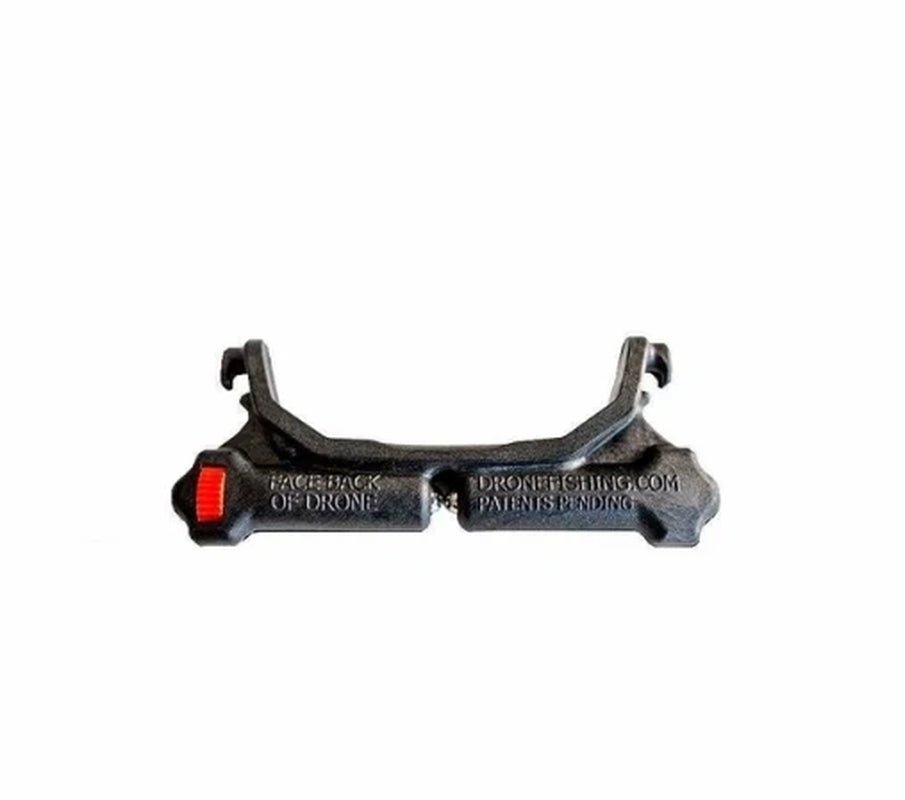
Gannet may publish a figure for a release or a suggested setup. Look to DJI for what the aircraft itself supports. The DJI Air 3 specifications give an aircraft take-off weight and flight-test conditions. They do not specify a fishing-bait payload. The Mini 3 support page also warns against mounting extra payloads when using its Intelligent Flight Battery Plus.
How to check the mount and test the release
- Read both sets of instructions. Confirm the aircraft, release, adapter and controller. Check whether the release uses tension, an electronic trigger or a combination.
- Inspect the mount with the aircraft off. Follow the model-specific fitting instructions. Check clearance around the propellers, sensors, camera and landing points. Stop if the mount shifts or interferes with any part.
- Use the specified ground test. Follow the release maker’s procedure and the aircraft manual. If the procedure calls for power, keep the motors stopped and use the specified test setup. Use a hook-free practice piece where the procedure permits it.
- Check the result before proceeding. The release should hold and release as the maker describes. If the trigger is inconsistent, the mount moves or the line can catch, stop and resolve the issue. Follow only documented flight procedures for the confirmed configuration.
DJI warranty and the buying decision
DJI’s after-sales policy lists exclusions for certain damage caused by unauthorised modifications, improper installation or incompatible third-party parts. Australian Consumer Law rights still apply. If you’re buying primarily to drop bait, compare a purpose-built fishing drone with the cost and limitations of adapting the aircraft you already own.
For release mechanisms across different aircraft, see the bait-release systems guide. Before flying, check CASA’s recreational drone rules and any local fishing or access rules.
Compatibility listings and policies checked 11 November 2026.